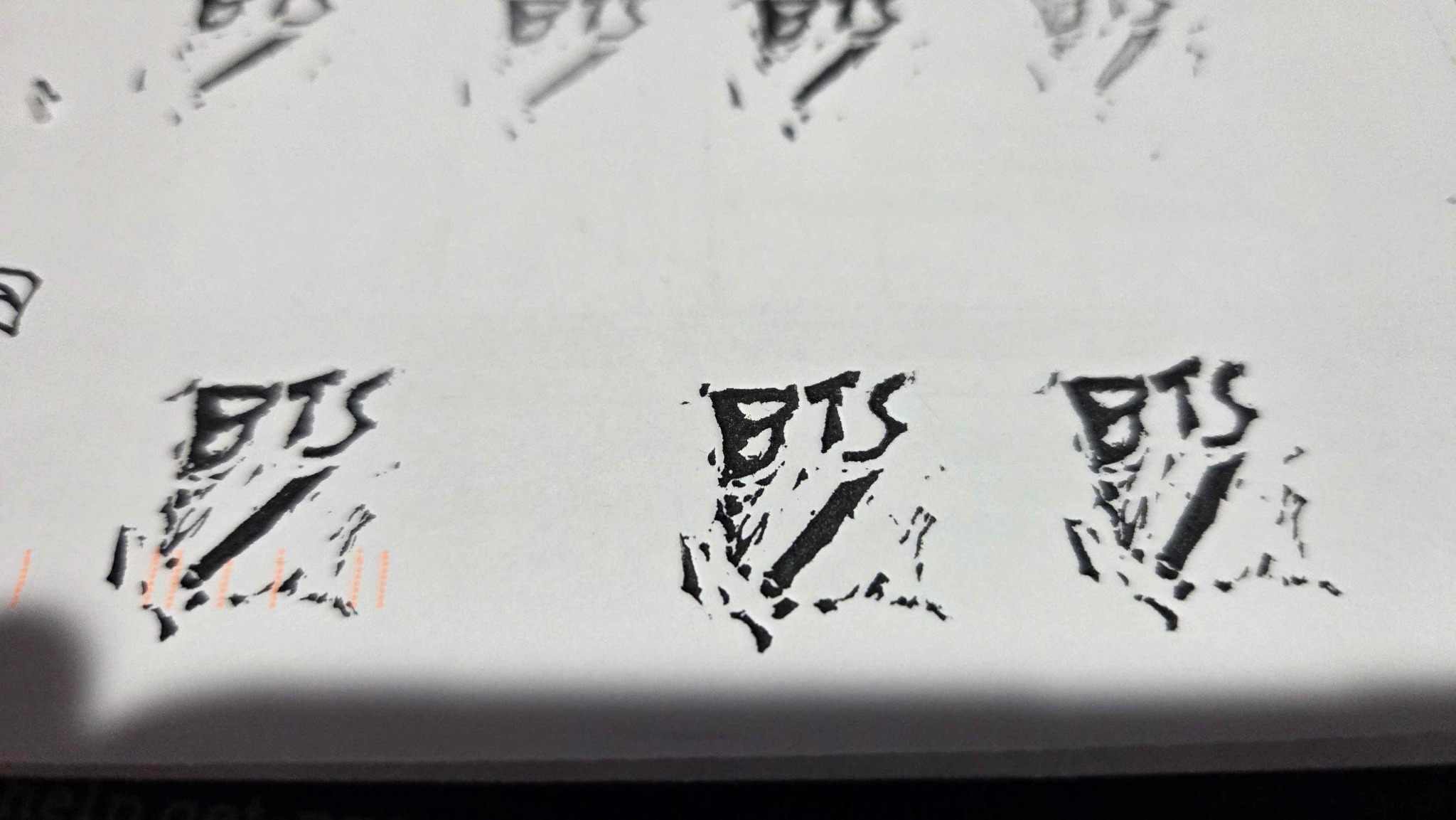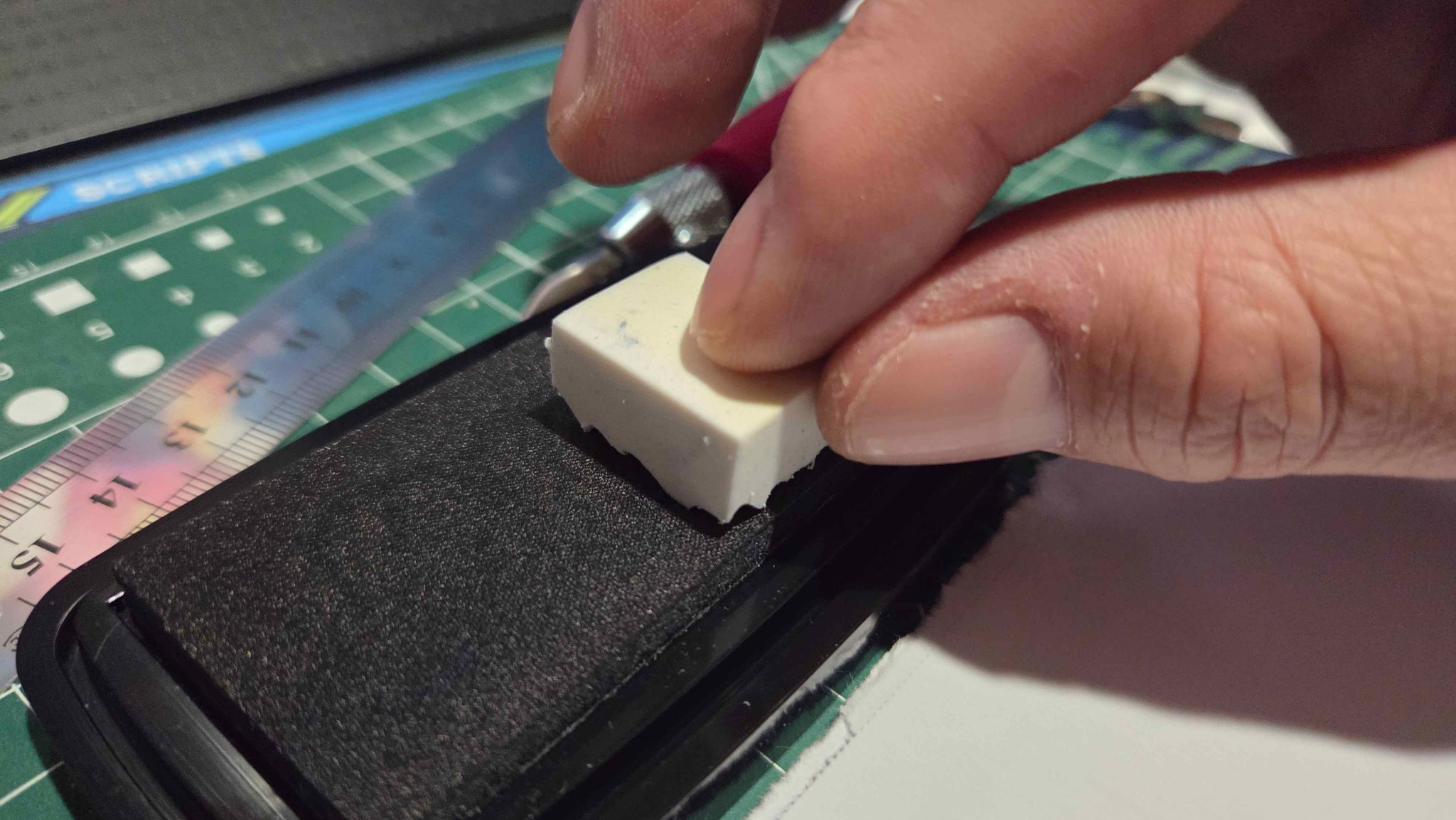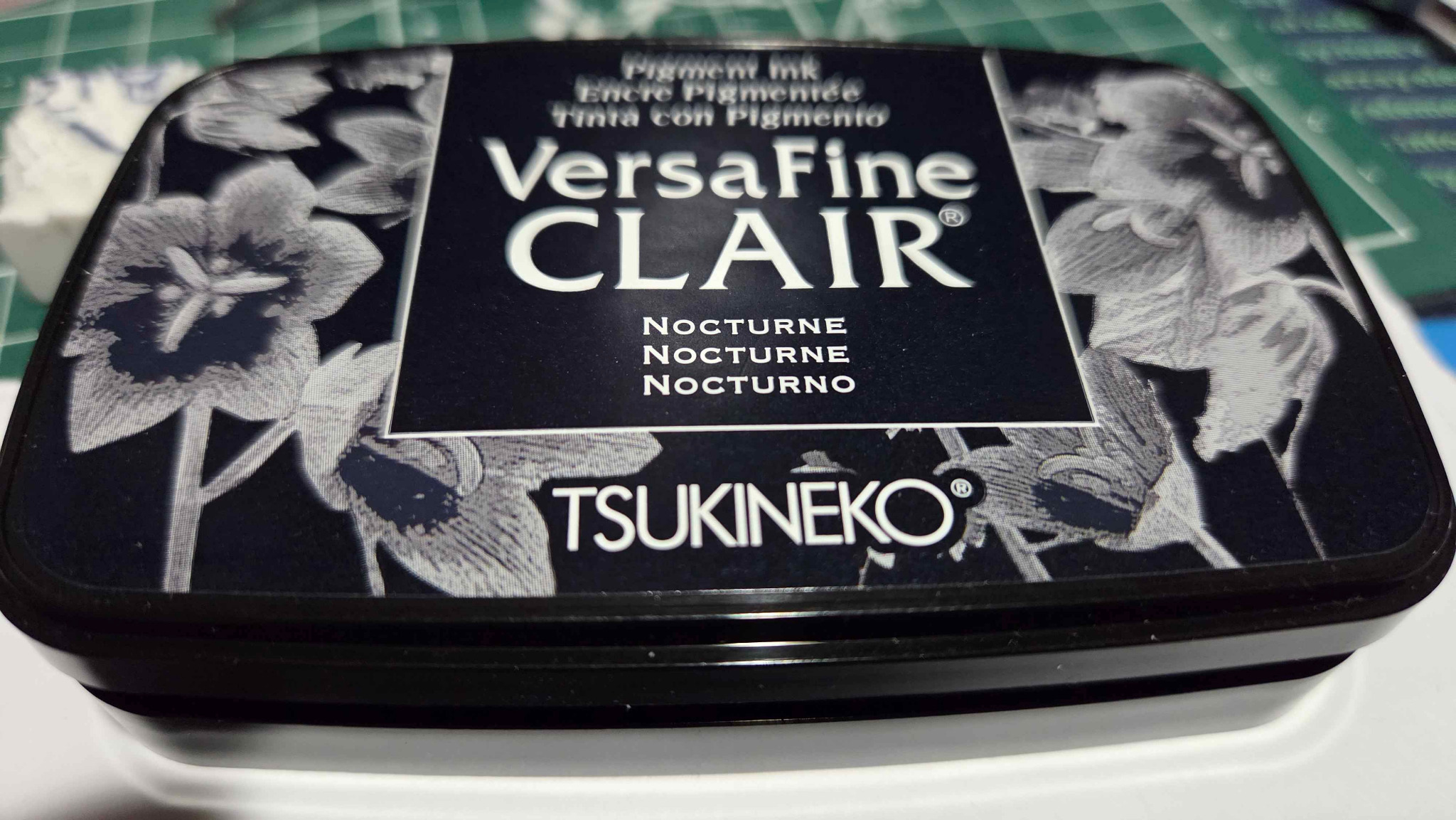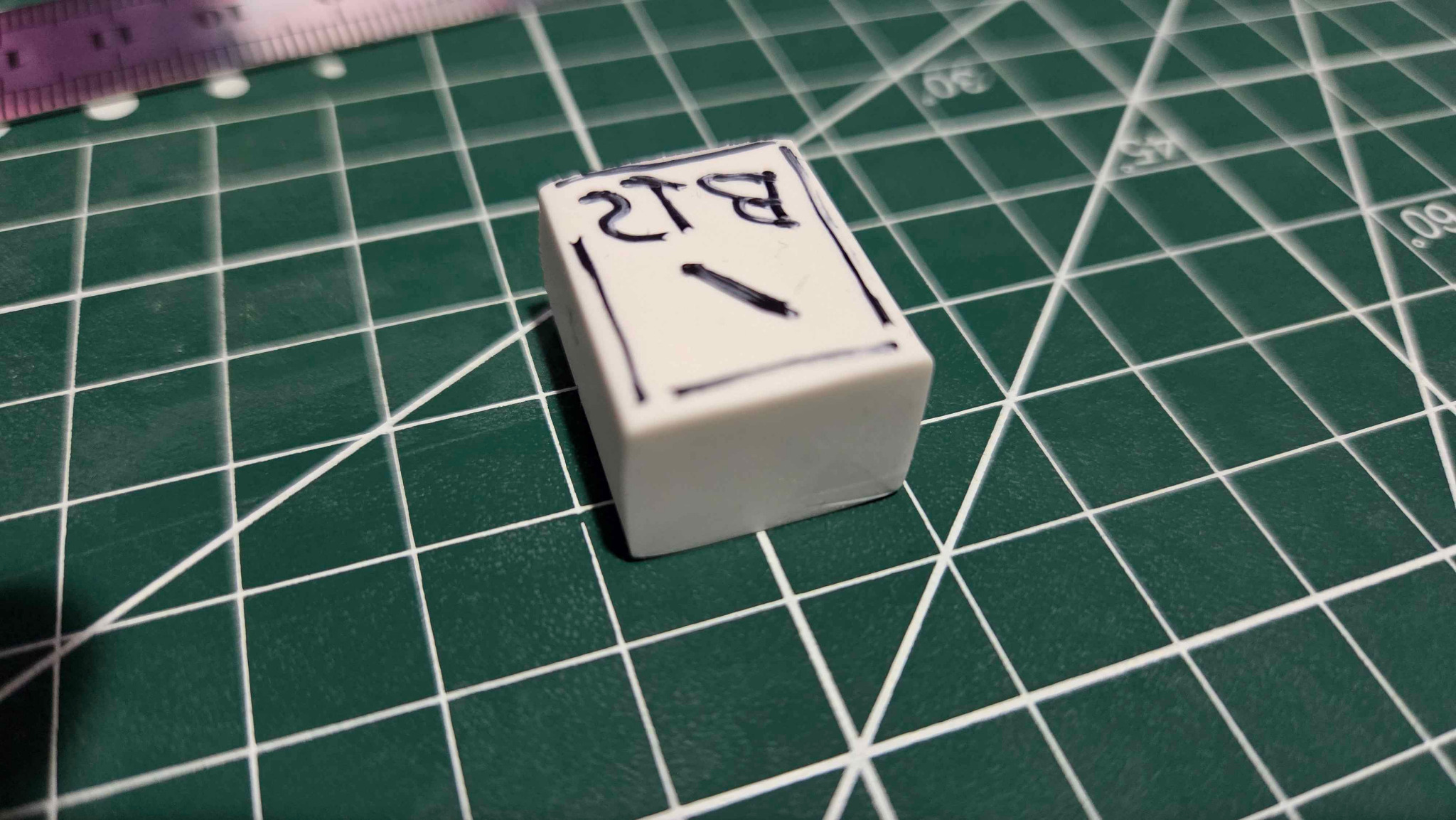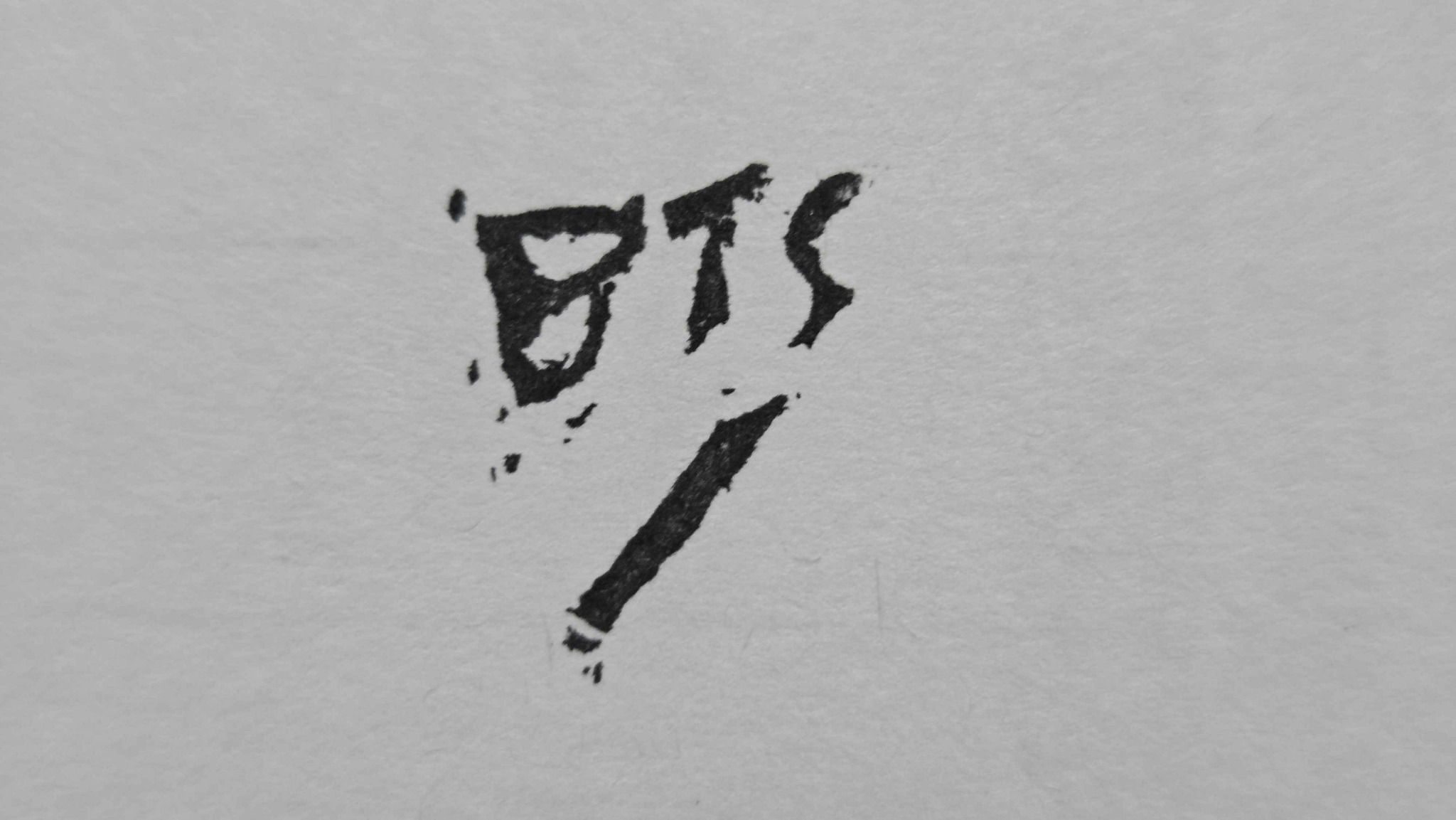

For my signature, I figured that I could use a stamp for my linocut prints when I get to making them. Traditionally, an artist is supposed to utilize a pencil in order to prevent facsimiles from being made. I will be using a pencil for filling out the series number where the "/" appears below "BTS." I will also add the year the print was made, below the series number that is filled out.
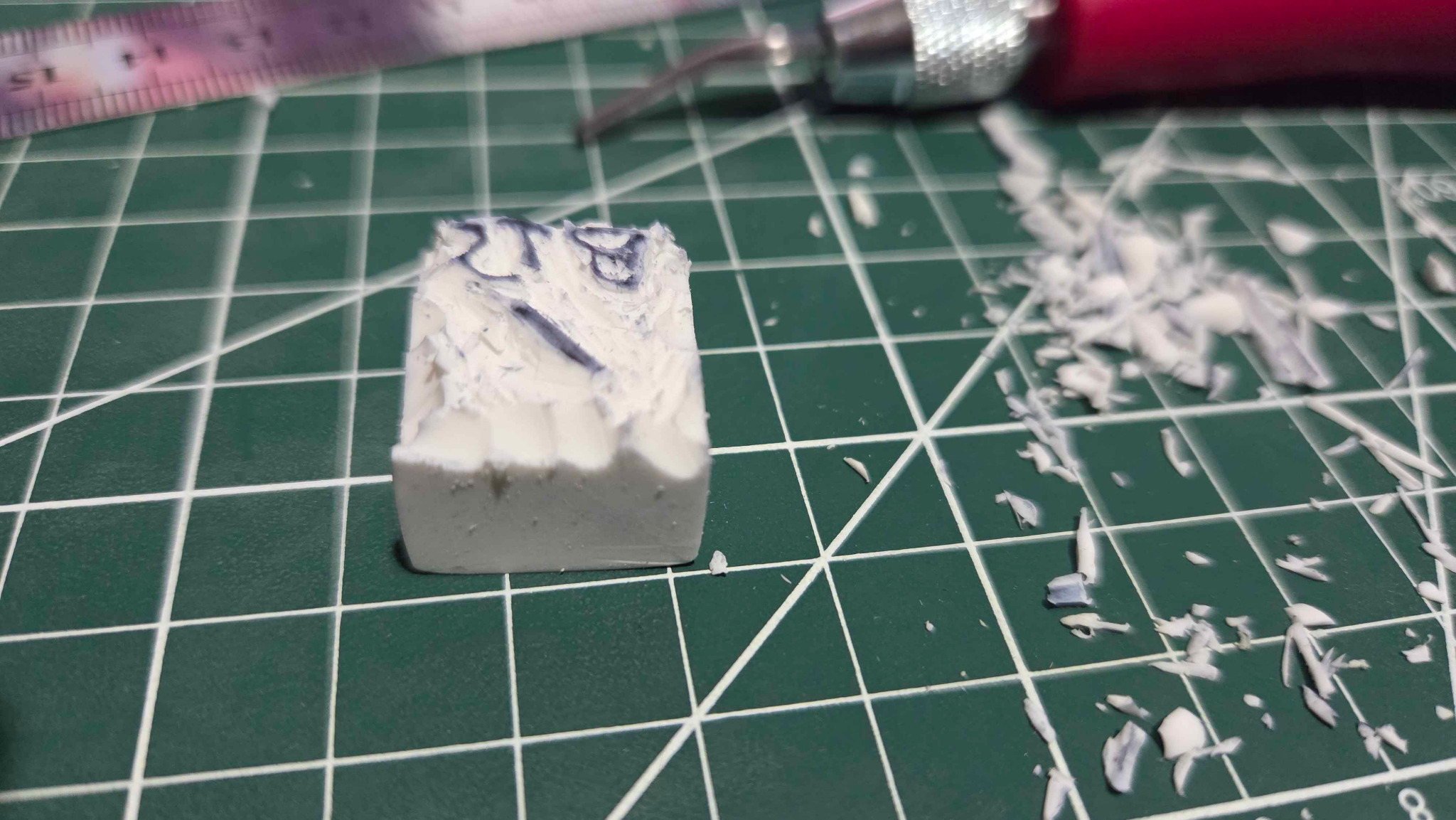
For the stamp, I used the following: an Android app called AR Drawing, a polymer eraser, a fine point black sharpie pen, an X-Acto knife, and a linoleum carving tool. I did a sketch of my signature that I wanted and took a picture of it. Then I loaded it into the AR Drawing App after I reversed the image so it would be backwards on the stamp. The AR Drawing App is neat in that it overlays on top of the surface and you can trace it with a sharpie.
I then used the X-Acto knife and did a shallow cut to outline the letters on the stamp. I followed that up with the V-Groove carving tip and removed some of the eraser material surrounding the letters. My last step was to do some test stamps with it on some scrap paper. I think the results turned out pretty well for my first time completing the project. This will be the stamp I use for 2026 for all my linocut prints that I prepare.
Thank you for reading!